
A budget that knows what day it is.
A grocery limit says nothing on the 10th. Spentalot holds every limit against the calendar, so a category running hot shows up while there’s still time to slow down.
How it works
Limits, a head start, and the pace.
-
A limit per category
Only the ones you care about: groceries, eating out, transport. Each empty one suggests an amount from your last three months.
-
Start from what worked
Copy last month’s budget, or your three-month average, in one click. Categories you’ve already set are left alone.
-
Watch the pace
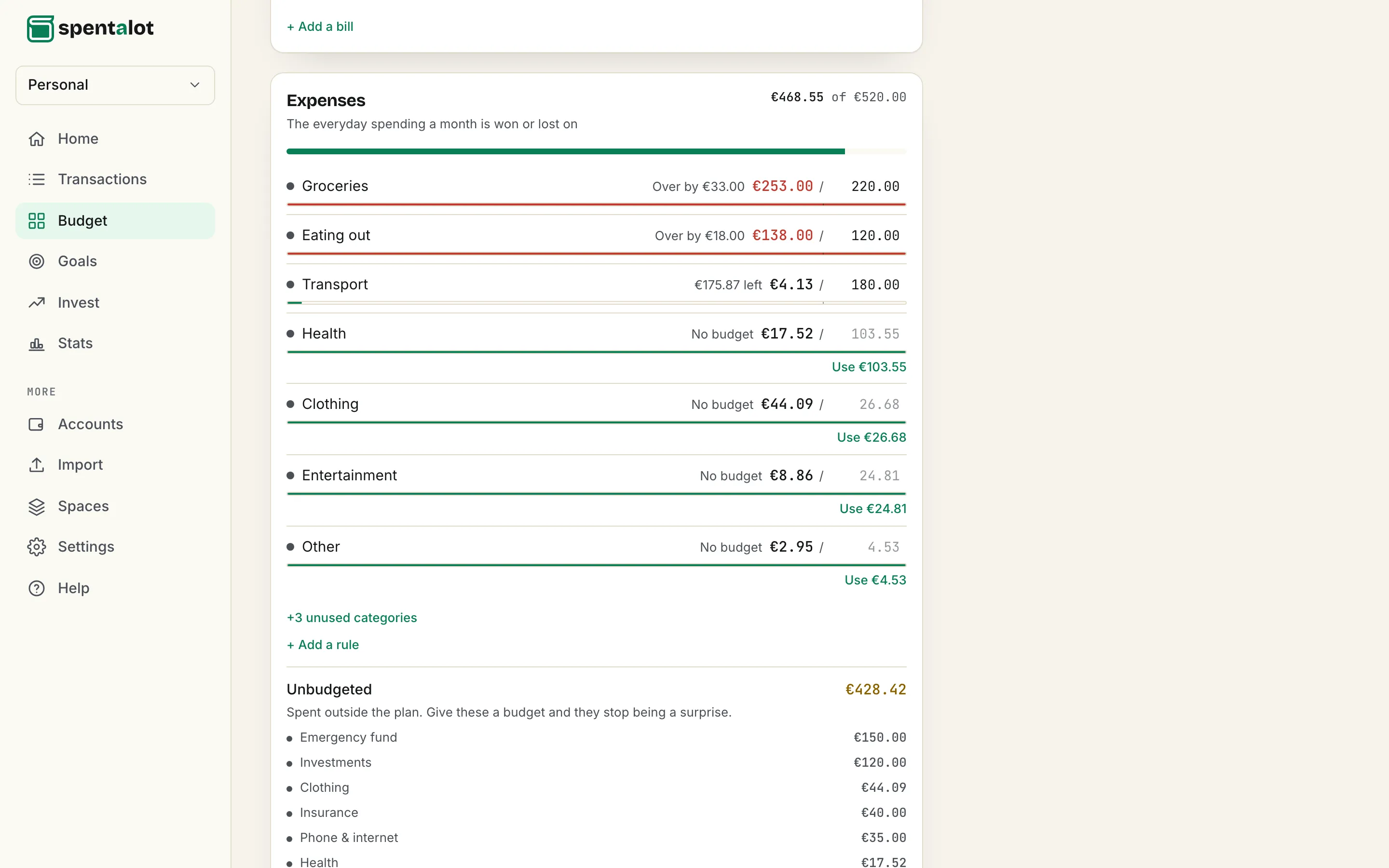
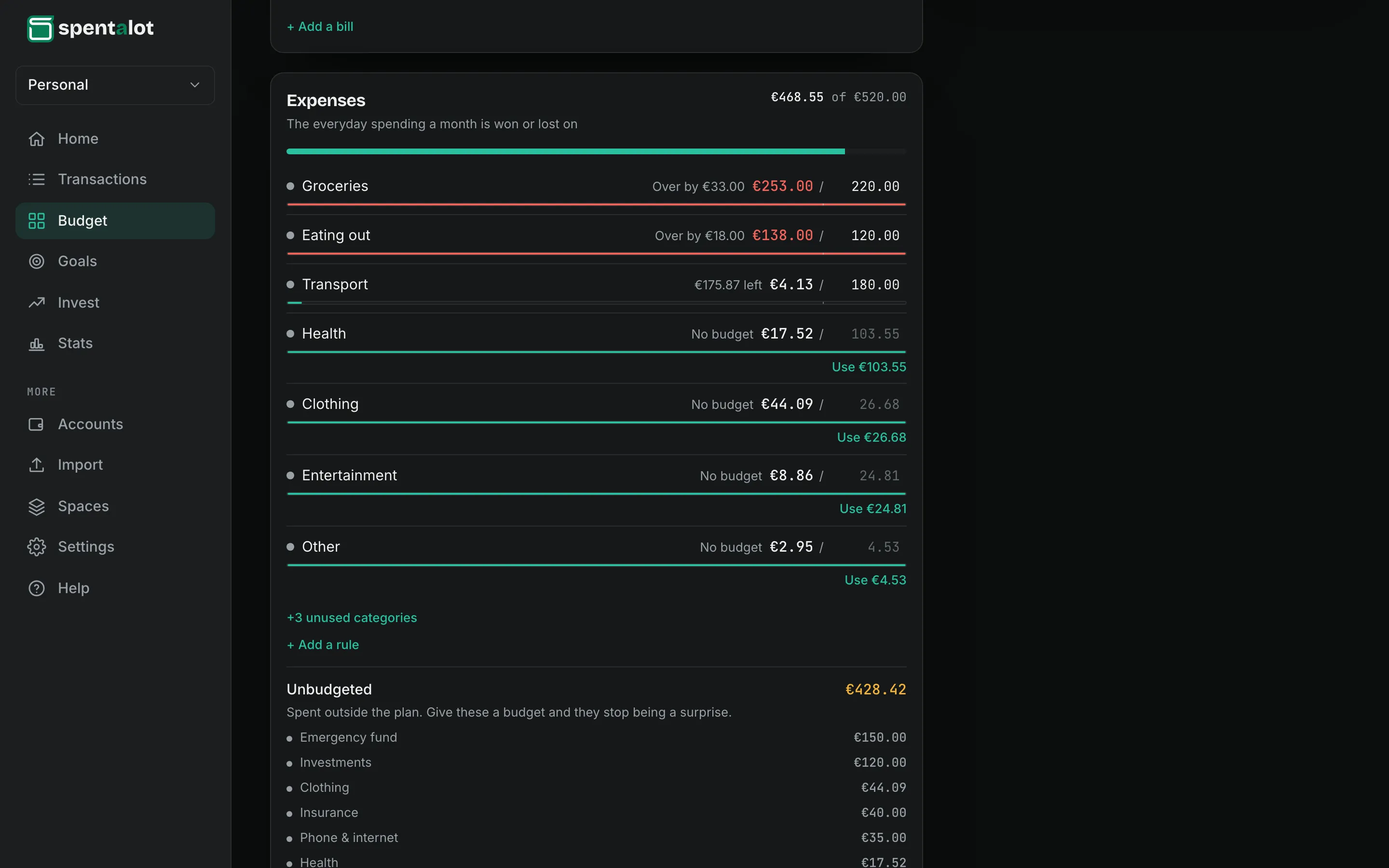
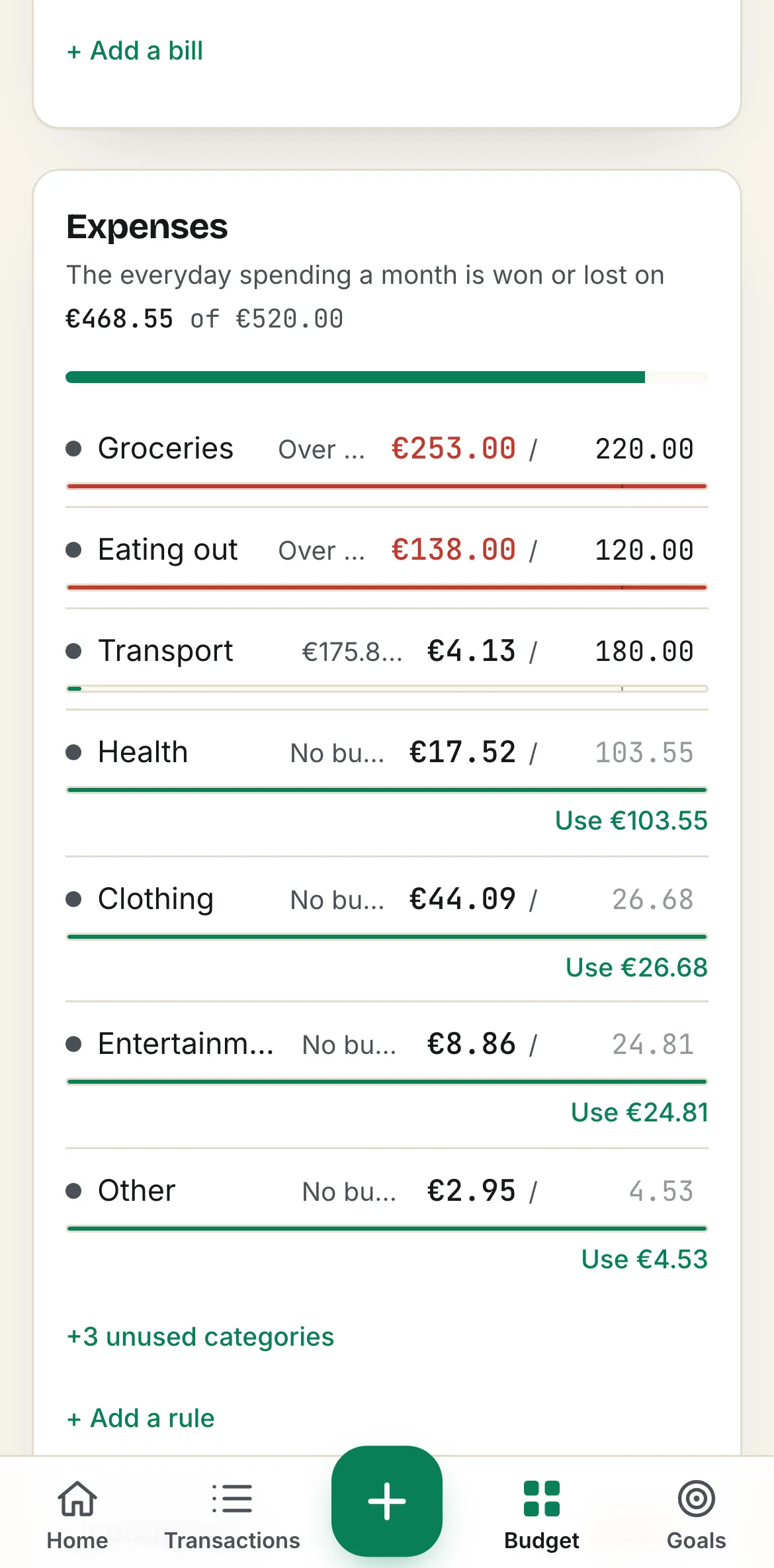
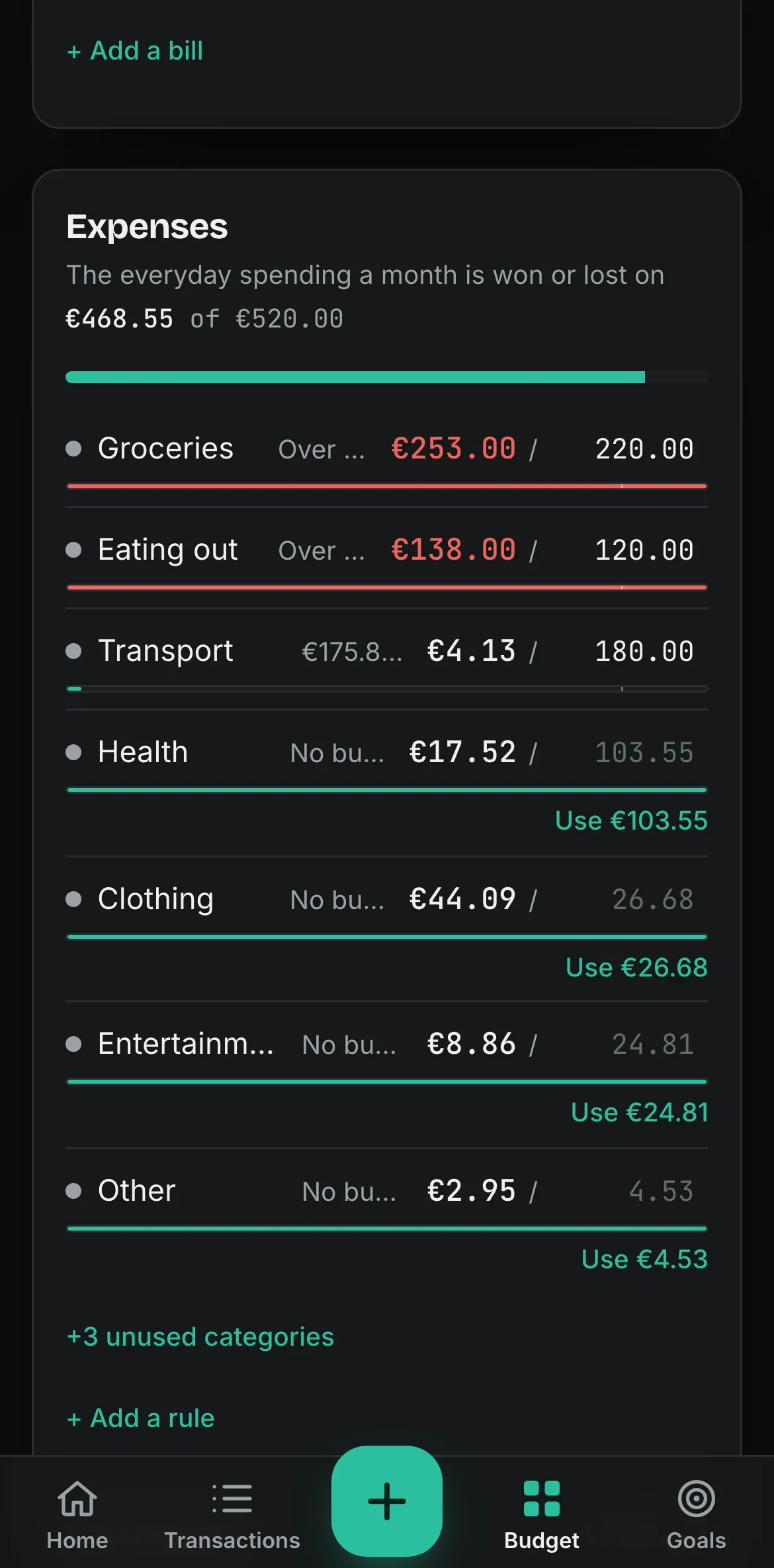
The tick on each bar is where spending should be by today: the limit × days gone ÷ days in the month. Past the tick is running hot; past the end is over.
A worked example
The same three limits as the screen above.
Day 26 of 30 in September 2026: 87% of the month is gone, so the pace is 87% of each limit.
Pace applies to everyday expenses. Bills show their due date and whether they’re paid instead.
Questions
About budgets
What happens when I go over?
The row turns red and says by how much. Nothing is blocked and nothing carries over: next month starts from its own budget.
Do I have to budget every category?
No. Categories without a limit still show what you spent, and everything spent outside the plan is listed under Unbudgeted, so it stops being a surprise.
How are rent and other bills handled?
A category tied to a recurring bill shows the due date and a Mark paid button instead of a pace bar. A bill is paid or it isn’t; it can’t be ahead of pace.
Where do I start with the numbers?
With what you spent last month, or your three-month average: the app suggests both. If you’d rather start from your income, the 50/30/20 calculator splits it for you.

Tomorrow at 08:30, you’ll know.
Add your income and bills once. Your first number is waiting the next morning.
Free forever plan · 14 days of Pro, no card