
Your data comes in easily, and leaves whenever you like.
Bring months of history in from a bank statement, and take everything out as one file. Spentalot never asks for your bank login: there’s nothing to connect.
Pro
How it works
In from a CSV. Out as one file.
-
Download a CSV from your bank
Revolut, Banca Transilvania and ING Romania are read as they come. Any other bank works once you tell the importer which column is which. Import is part of Pro.
-
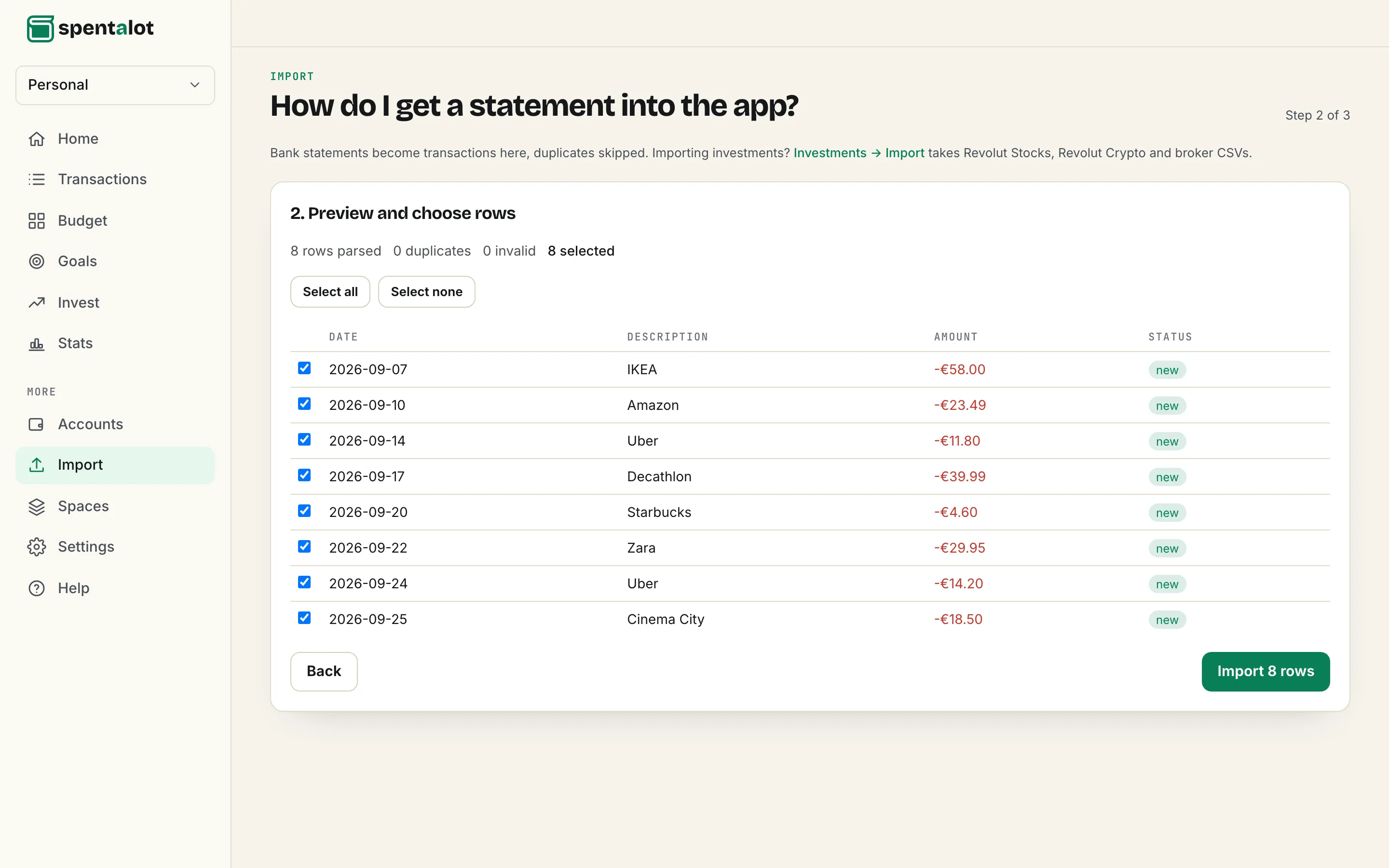
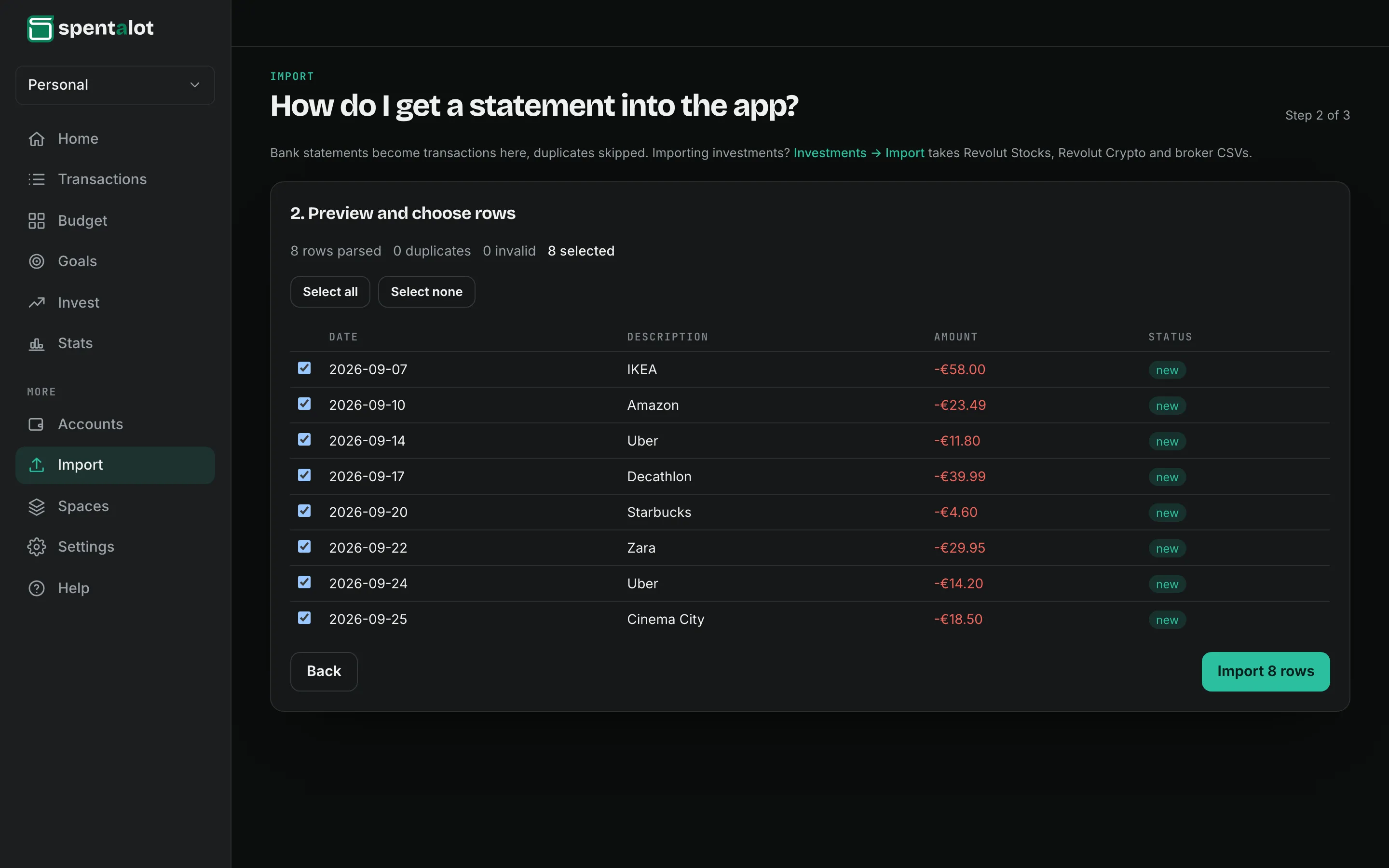
Preview, then choose the rows
Anything you’ve already logged is spotted and skipped, so importing the same month twice does no harm.
-
Export any time
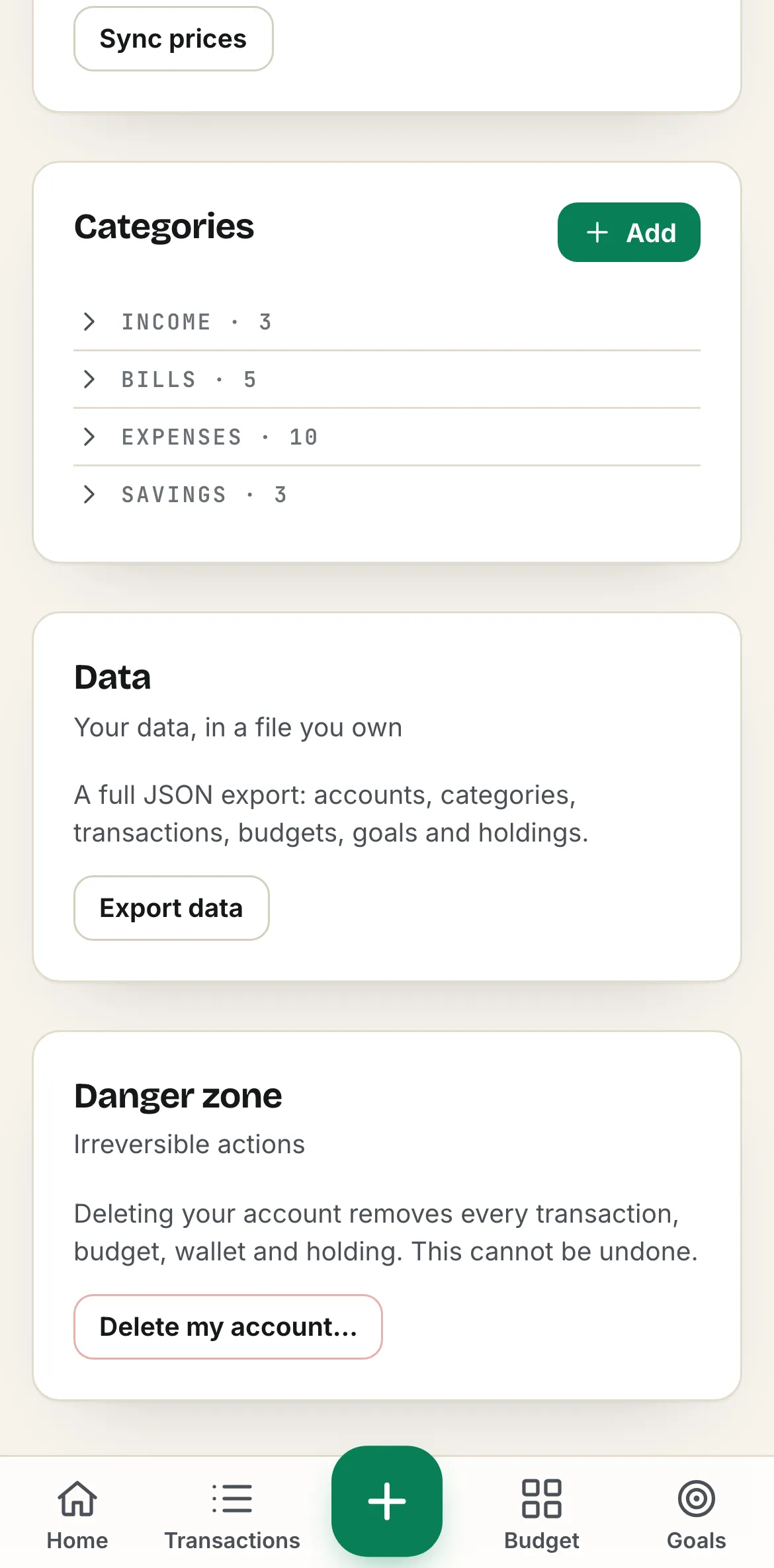
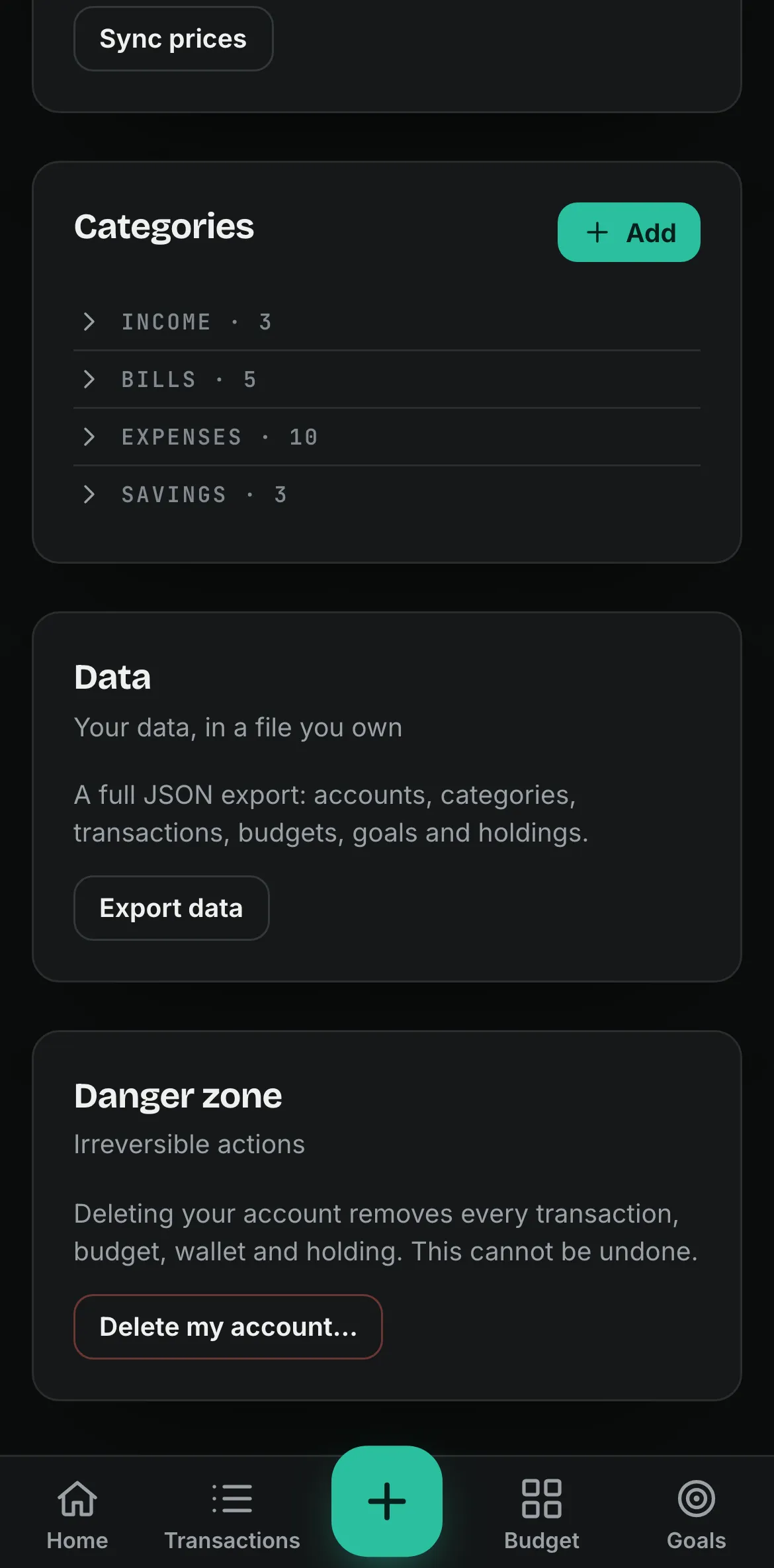
One JSON file with everything in the budget, on every plan, Free included.
A worked example
What Ana’s export holds today.
Settings → Data → Export data, on the demo budget from the screens above.
- Transactions
- 102
- Wallets
- 3
- Categories
- 21
- Budget limits
- 3
- Recurring bills and income
- 8
- Goals
- 4
- Holdings
- 4
- All of it, in one file
- JSON
Stored on a server in the European Union, in a data centre in Germany. No bank login, ever.
Questions
About your data
Why no bank connection?
Because it means handing over your bank login, or letting a third party hold a key to your account. Spentalot works from what you type and what you import, and that’s enough for the daily number.
Where is my data stored?
On a server in the European Union, in a data centre in Germany.
What format is the export?
One JSON file: wallets, categories, transactions, budgets, bills, planned spending, goals and holdings. It’s free on every plan.
Does deleting my account delete everything?
Yes: every transaction, budget, wallet and holding, for good. Export first if you want to keep a copy.

Tomorrow at 08:30, you’ll know.
Add your income and bills once. Your first number is waiting the next morning.
Free forever plan · 14 days of Pro, no card