
Log it in five seconds.
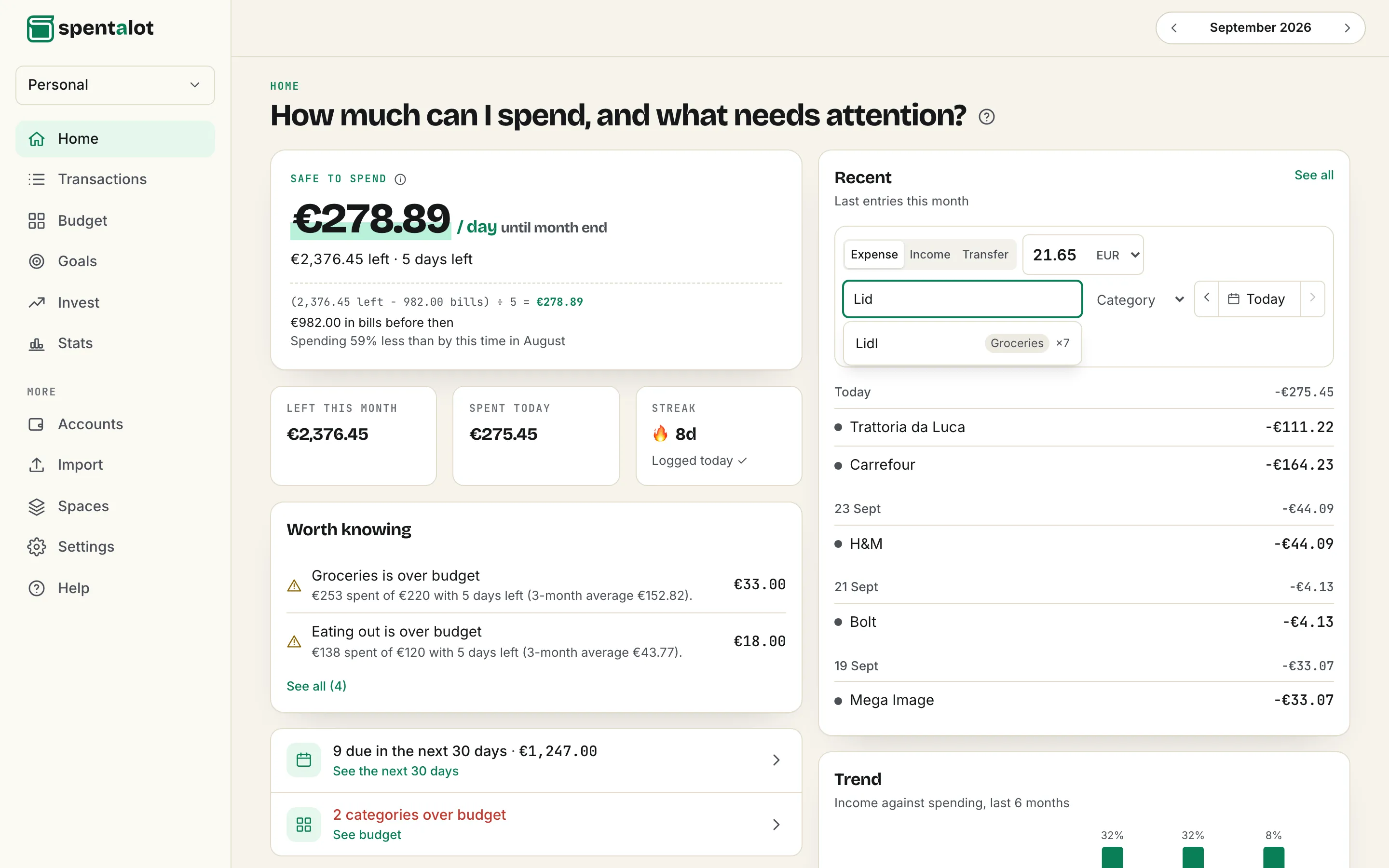
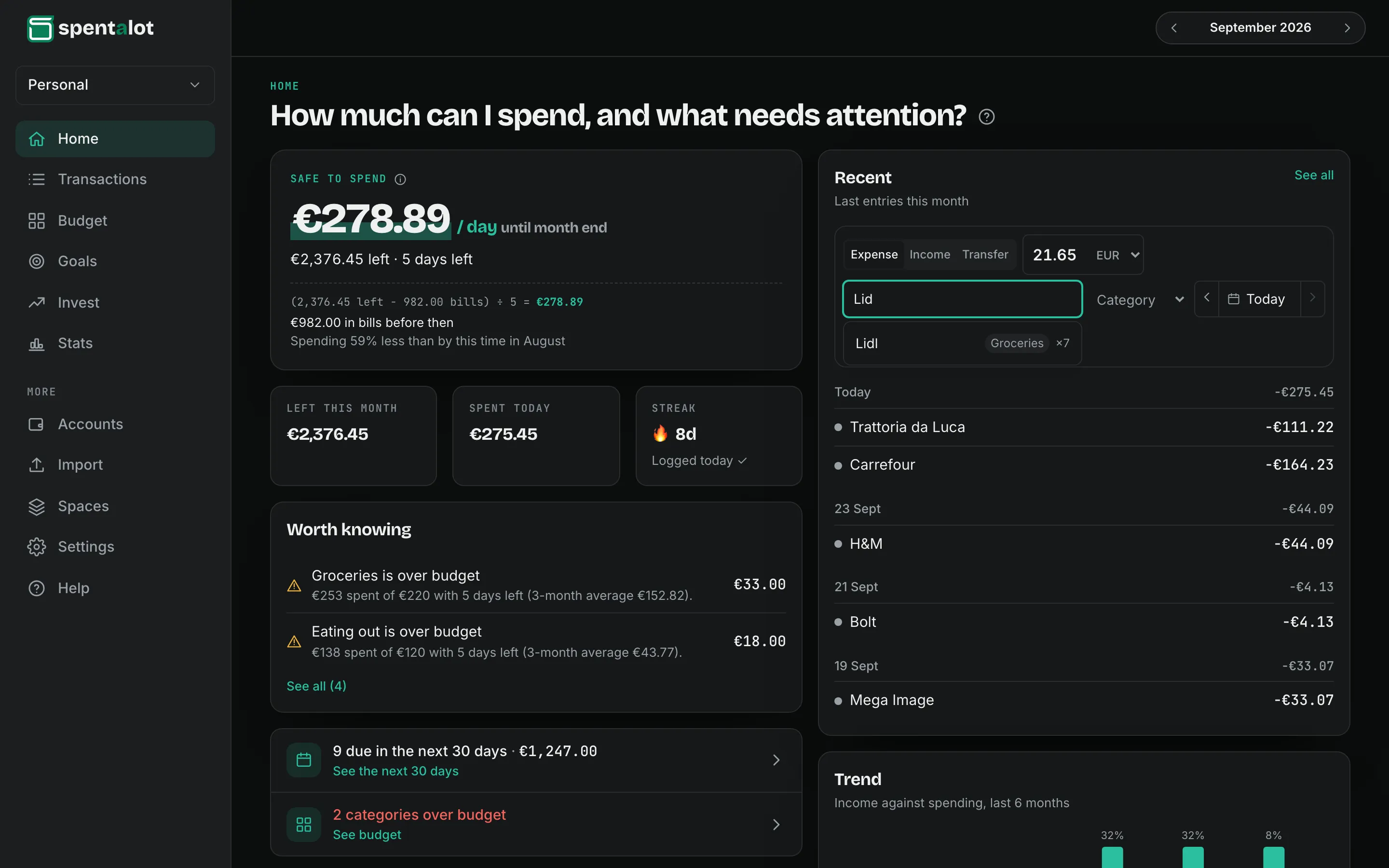
A budget only knows what you tell it, so telling it has to be quicker than forgetting. An amount, a few letters, Enter: Spentalot fills in the rest from what you’ve logged before.
How it works
Three moves, and it’s logged.
-
Open it from anywhere
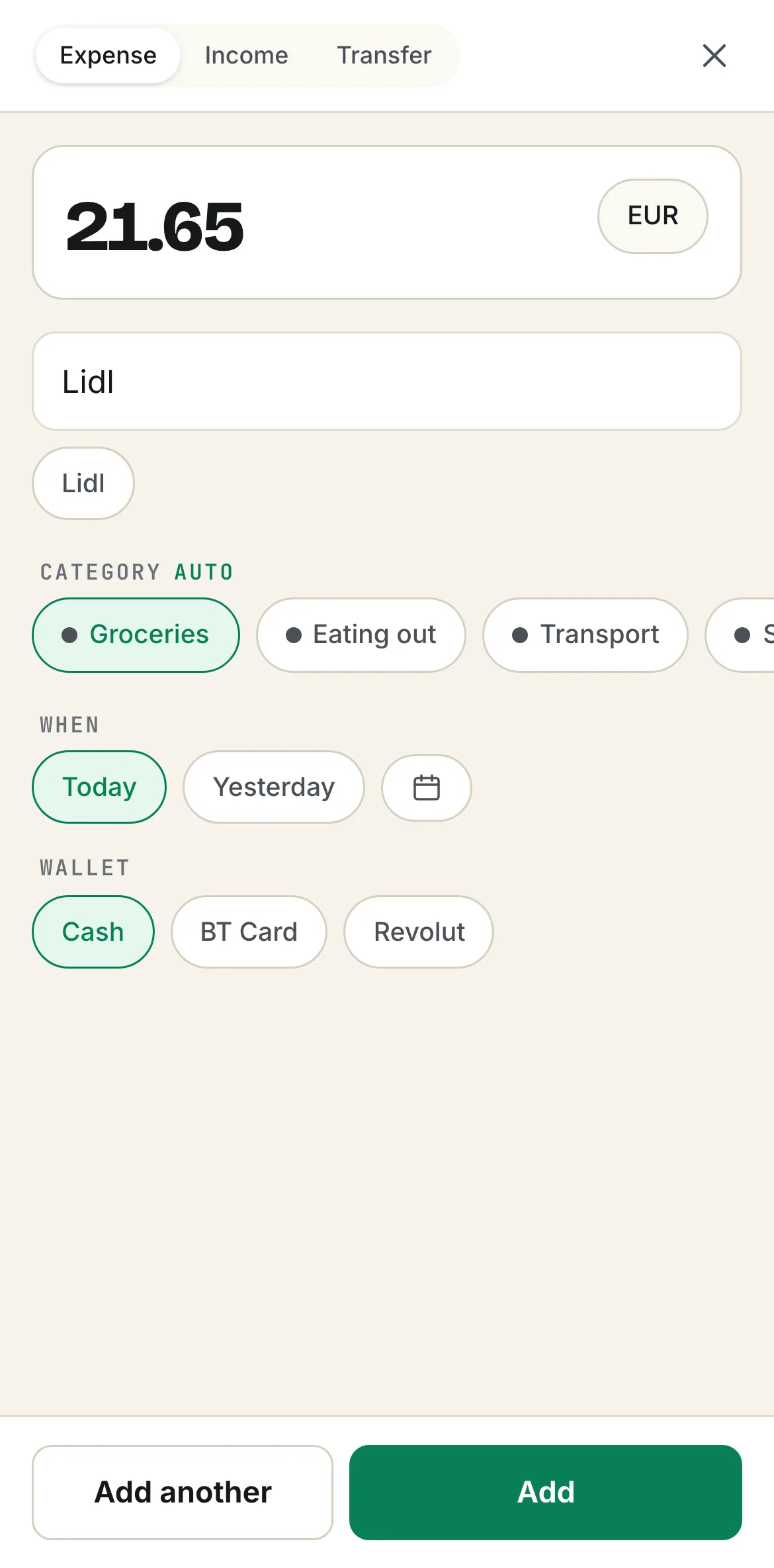
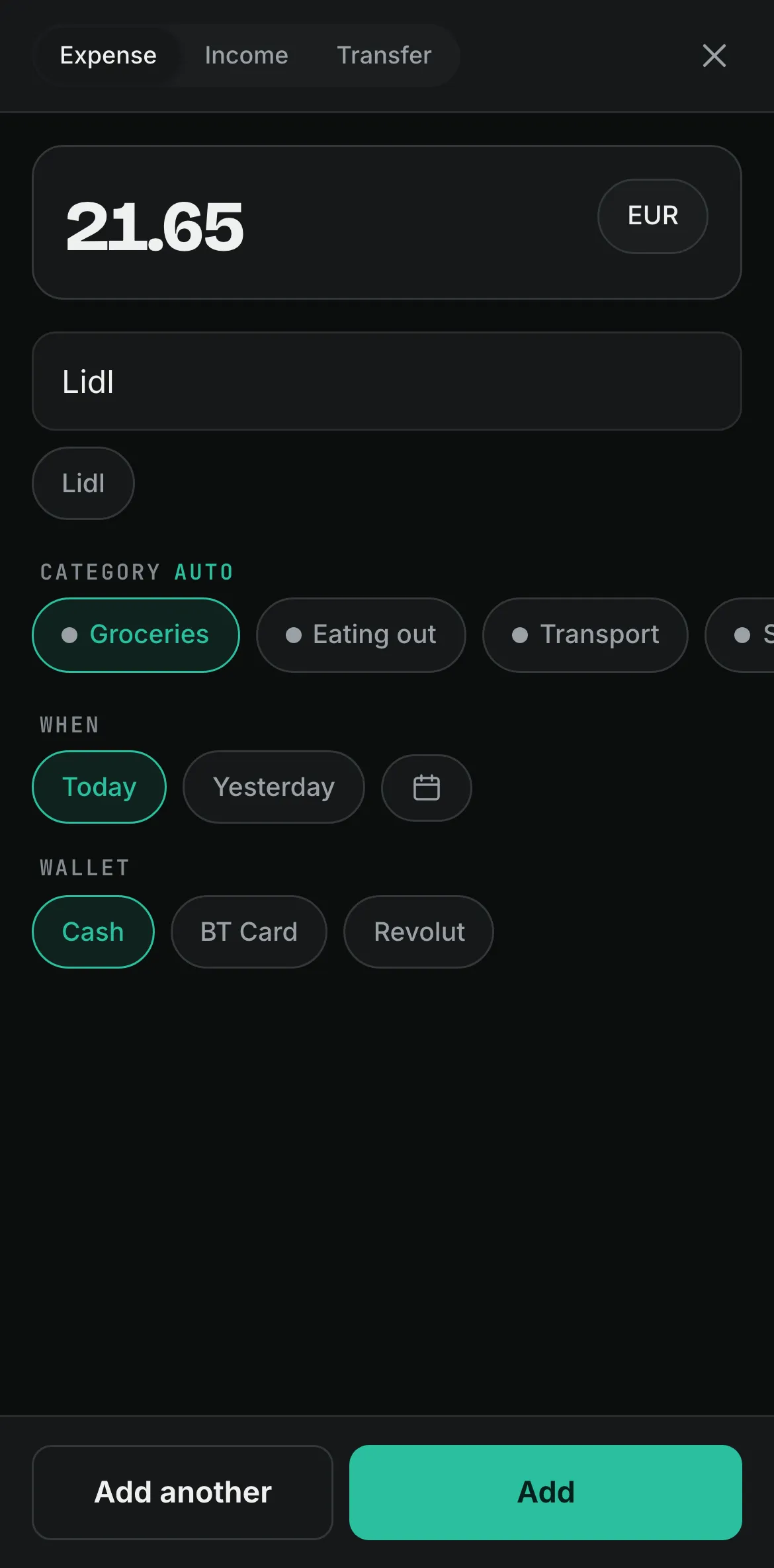
On a computer, press n anywhere in the app. On a phone, the + in the middle of the tab bar opens a sheet made for one thumb.
-
An amount and a few letters
What you type is matched against everything you’ve logged before, accents or not, with the ones you use most at the top.
-
Enter, and it’s in
The category you usually pick comes filled in, marked auto. The date is today, or press y in it for yesterday. Change anything before you save.
A worked example
One entry, straight from the screen above.
Ana has just paid at Lidl. This is what she types, and what the app fills in for her.
- She types
- 21.65 · “Lid”
- The app suggests
- Lidl ×7
- Category
- Groceriesauto
- Date
- Today
- Enter saves it
- ↵
8 days in a row with something logged
Suggestions come only from your own past entries in this budget. No bank connection, no receipt scanning.
Every evening
At 20:30, one question.
The reminder asks what you spent today. Nothing to add? One tap says so, and the day still counts for your streak. Change the time, or turn it off, in Settings → Reminders.

Add today’s expenses to keep your budget honest. Nothing to add? Say so with one tap.
Questions
About logging
Does it read my receipts or my bank account?
Neither. There’s no bank connection and no receipt scanning: you type what you spent, which takes a few seconds and keeps you aware of it. To catch up on older months, import your bank’s CSV statement.
How does it know the category?
From your own entries. When what you type matches something you’ve logged before, the category you used for it comes filled in, marked auto. Pick another one whenever it’s wrong.
Can I log something in another currency?
Yes. Choose the currency next to the amount; the entry goes into that wallet’s pocket in that currency, and totals are converted to your base currency.
What keeps the streak going?
Any day with at least one entry, or a day you marked as nothing spent. Today never breaks it while it’s still going.

Tomorrow at 08:30, you’ll know.
Add your income and bills once. Your first number is waiting the next morning.
Free forever plan · 14 days of Pro, no card